WorkatoSight™
for Confluence
Bring Workato Recipes, Projects, Connections, API posture, runtime evidence, and documentation coverage into Confluence. WorkatoSight keeps architecture evidence near the pages architects and developers already use.
WorkatoSight is a Flowdence product and is not affiliated with, endorsed by, or sponsored by Workato.

Workato macros and bylines
Render Recipe, Project, Connection, API, Environment, Config Data, and Runtime Evidence context directly on Confluence pages.
API posture from cached facts
Review endpoint, client, key, policy, backing Recipe, and stale snapshot signals without calling Workato during page reads.
Space-scoped cache dashboard
Configure each Confluence space with its own Workato origin, credential reference, refresh preferences, and display timezone.
Documentation coverage
Scan bounded Confluence page sets for Workato links, stale macros, and documentation gaps without silently editing pages.
WorkatoSight guides
Start with configuration, then add cache-backed Workato context to Confluence pages.
WorkatoSight setup
Install WorkatoSight, configure Workato access, and prepare the first Confluence space.
Configuration and diagnostics
Save Workato host settings, secret-backed credentials, refresh preferences, and diagnostics.
Macro reference
Use WorkatoSight Recipe display options and cache-backed Workato asset macros.
Support
Get help with setup, Workato access diagnostics, macro rendering, cache refresh, bylines, and security reports.
Cache-first by design
Normal page reads, macros, and bylines use cached Workato facts. Live Workato access stays on explicit admin-approved refresh and diagnostics paths.
From the Blog
Workato + Confluence guides
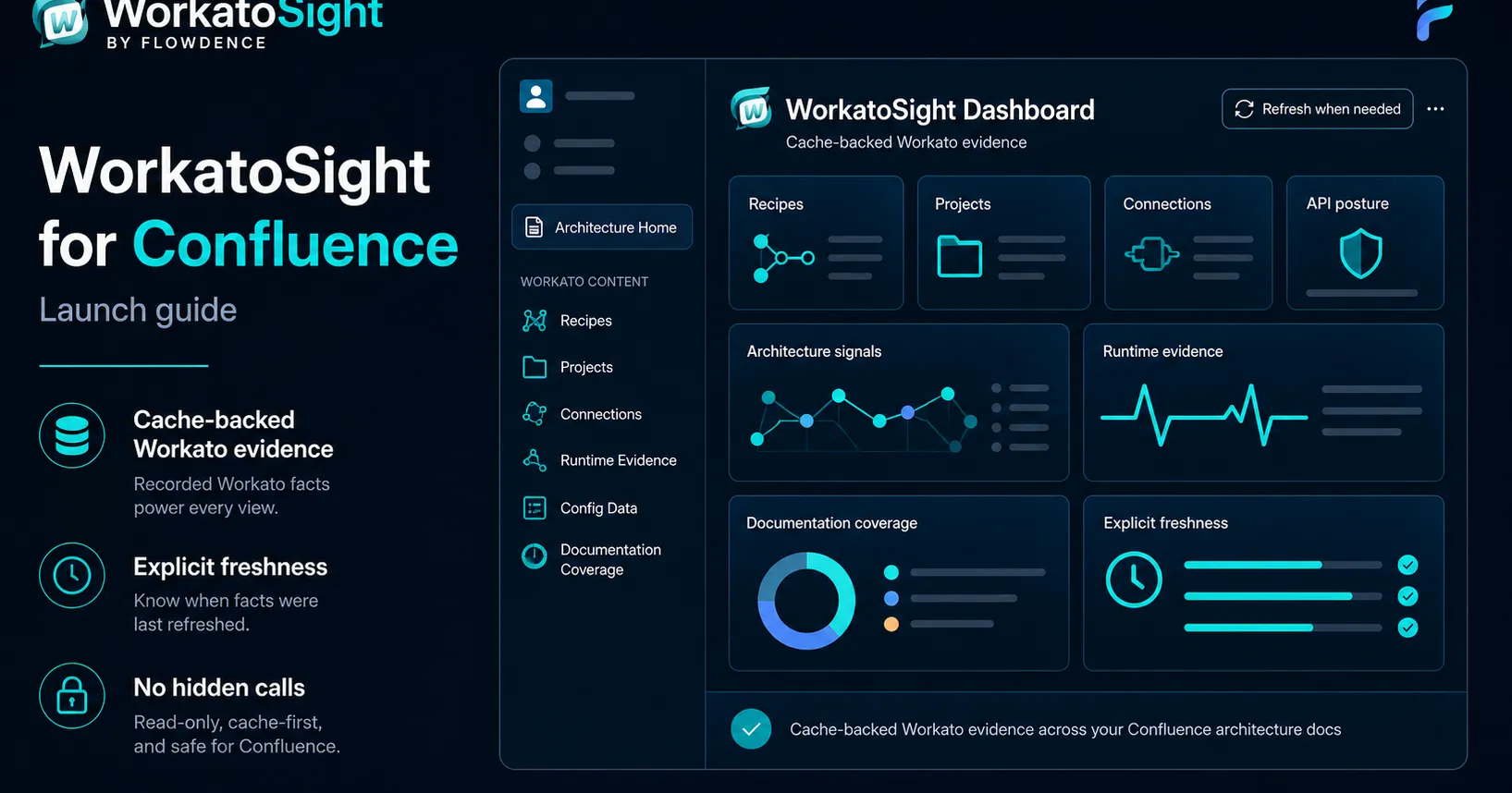
WorkatoSight for Confluence: Launch Guide
Plan a rollout for cached Workato facts, Recipe macros, API posture, and Documentation Coverage.
Read more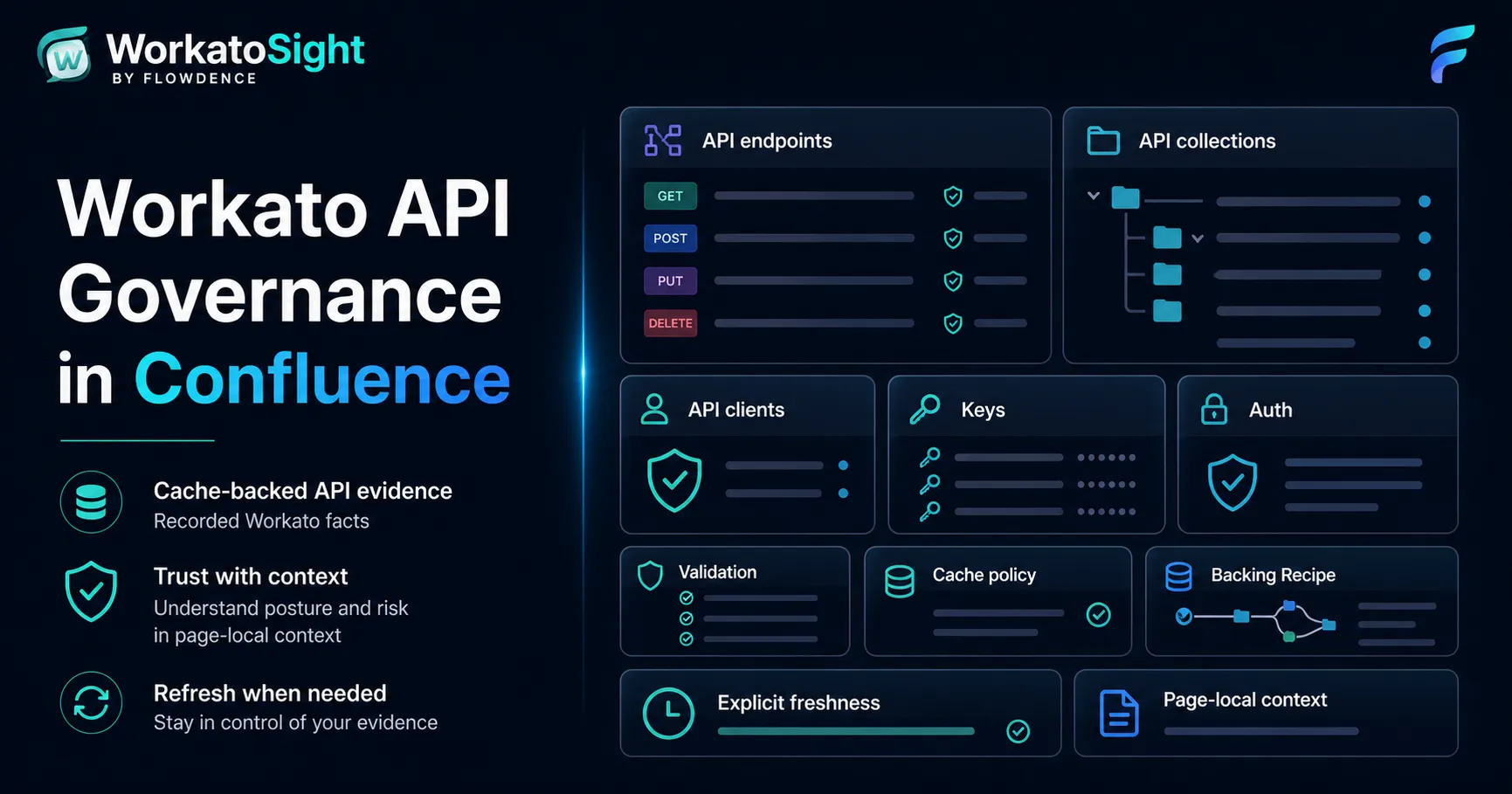
Workato API Governance in Confluence
Review endpoint, client, key, policy, backing Recipe, and page-local API posture from Confluence.
Read more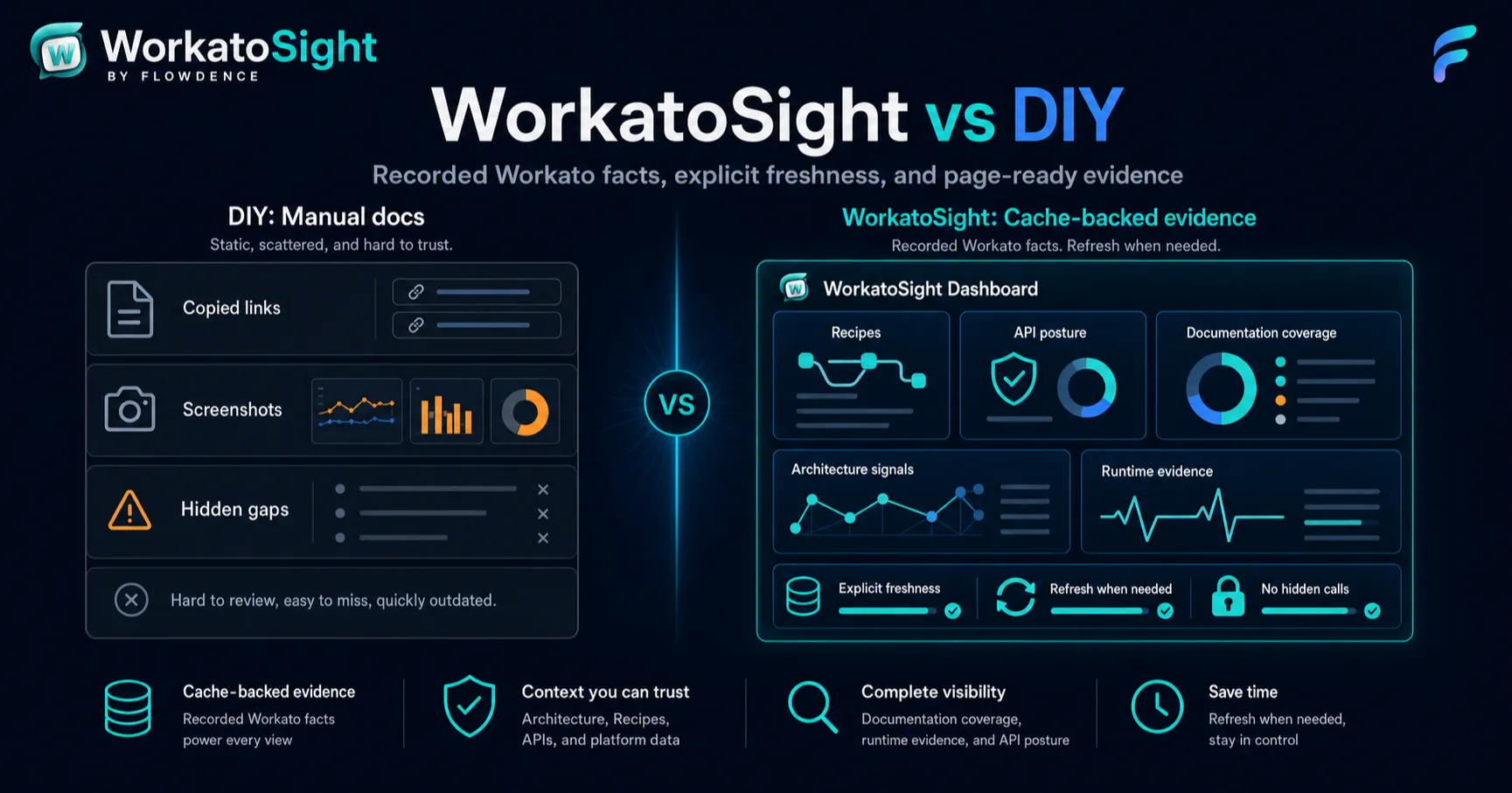
WorkatoSight vs DIY Workato Docs
Compare manual screenshots, links, and spreadsheets with cache-backed Workato evidence.
Read more