ApprovalFlow™
for Confluence
Bring structured approval workflows to Confluence pages. Multi-step approvals, version tracking, analytics, and a complete audit trail - all built natively on Atlassian Forge.


How It Works
From draft to approved in four steps
Create a Workflow
Define approval steps, assign approvers, and choose whether any or all approvers must approve at each step.
Submit for Approval
Authors submit published pages from the byline. Select a workflow if multiple are available in the space.
Review & Decide
Approvers are notified via comments. They can approve with optional comments or reject with required feedback.
Track & Analyze
Monitor approval status across your space. View analytics dashboards, filter by date range, and export reports.
Features
Everything you need for content governance
Multi-Step Workflows
Configure sequential approval steps with designated approvers. Support for both 'any approver' and 'all approvers' modes per step.
Workflow setup guideByline-Based Actions
All approval actions happen via the content byline with colored status lozenges: Draft, In Approval, Approved, and Changes Requested.
Byline and status guideVersion-Aware Resubmission
Edit approved pages and resubmit new versions for approval. The system tracks which version was approved and which needs review.
Change Sets referenceWorkflow Analytics
Analyze approval outcomes with KPI totals, status breakdowns, daily trend charts, and workflow comparison views. Export as CSV or HTML.
Analytics referenceRole-Based Access
Workflow creators become owners. Owners and space admins manage workflows. All users can view workflow details and submit pages.
Configuration guideComment Notifications
Approvers are notified via @mentions in threaded page comments. Decisions appear as replies to the original submission comment.
Comments and audit trailManage Space View
Tree view of your space with pages, folders, approval status, assigned workflows, and admin actions - all loaded level by level.
Manage Space guideApproval Queue
Inbox of pending, approved, and rejected items per Confluence space. Filter by status, jump to source pages, and act on decisions in bulk.
Approval Queue referenceREST API
Programmatic 3LO REST API for triggering submissions, recording decisions, and exporting audit events for compliance integrations.
REST API referenceApprovalFlow data boundaries
ApprovalFlow stores workflow definitions, page assignments, approval records, and audit events in Atlassian Forge. It does not store Confluence page bodies, does not call external product APIs, and has no external subprocessors for approval processing.
Soft Workflow Approach
ApprovalFlow uses a soft workflow approach: pages remain viewable during the review process. There are no page restrictions - just clear status indicators, @mention notifications, and a complete audit trail.
This means any contributor can submit pages for approval, approvers are notified via comments, and everyone can see the current approval status at a glance via the page byline.
From the Blog
Learn more about approval workflows
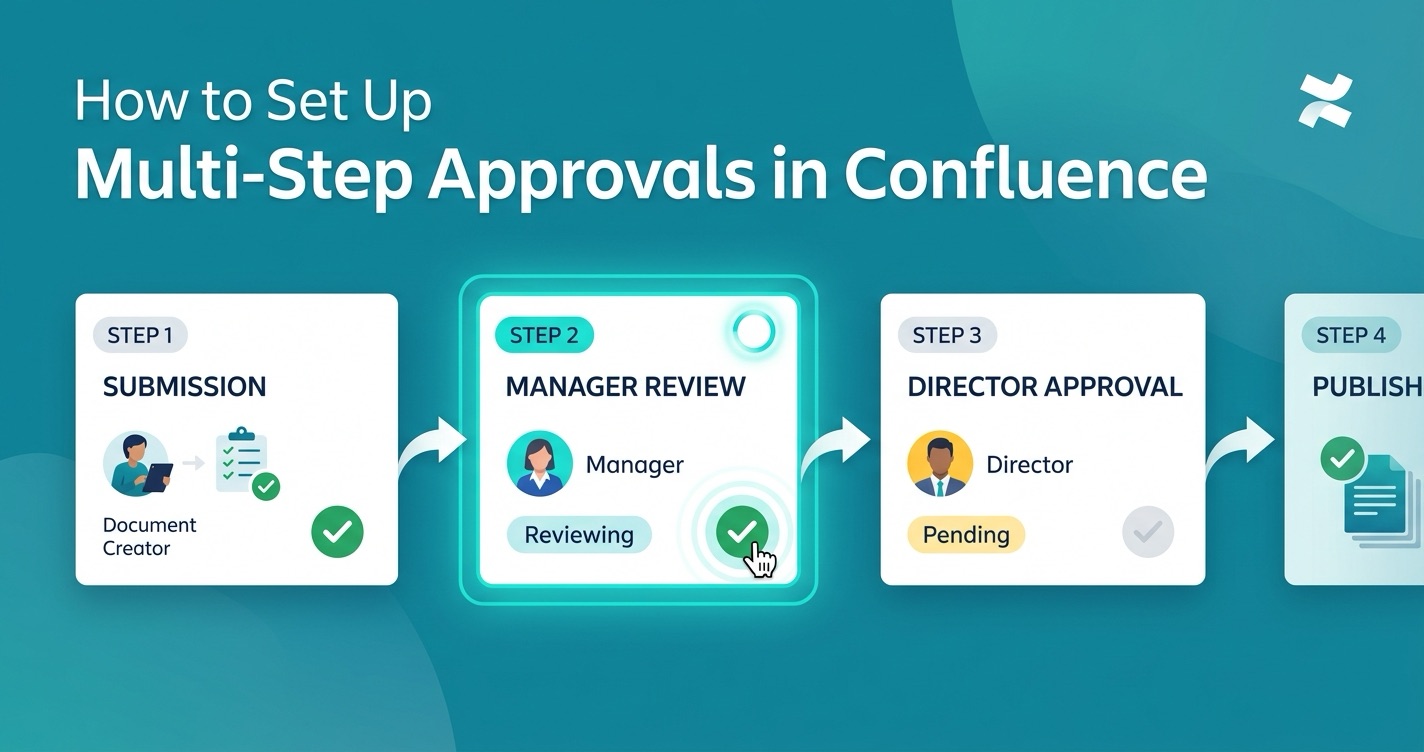
How to Set Up Multi-Step Approvals in Confluence
Step-by-step tutorial for configuring your first multi-step approval workflow with ApprovalFlow.
Read more
ApprovalFlow vs Comala vs AppFox: Confluence Approval Tools Compared
Detailed side-by-side comparison of the leading Confluence Cloud approval apps.
Read more
Content Governance in Confluence: Moving Beyond Page Restrictions
Why page restrictions alone aren't enough and how structured approval workflows close the gap.
Read moreStart using ApprovalFlow today
Install free from the Atlassian Marketplace and set up your first workflow in minutes.