
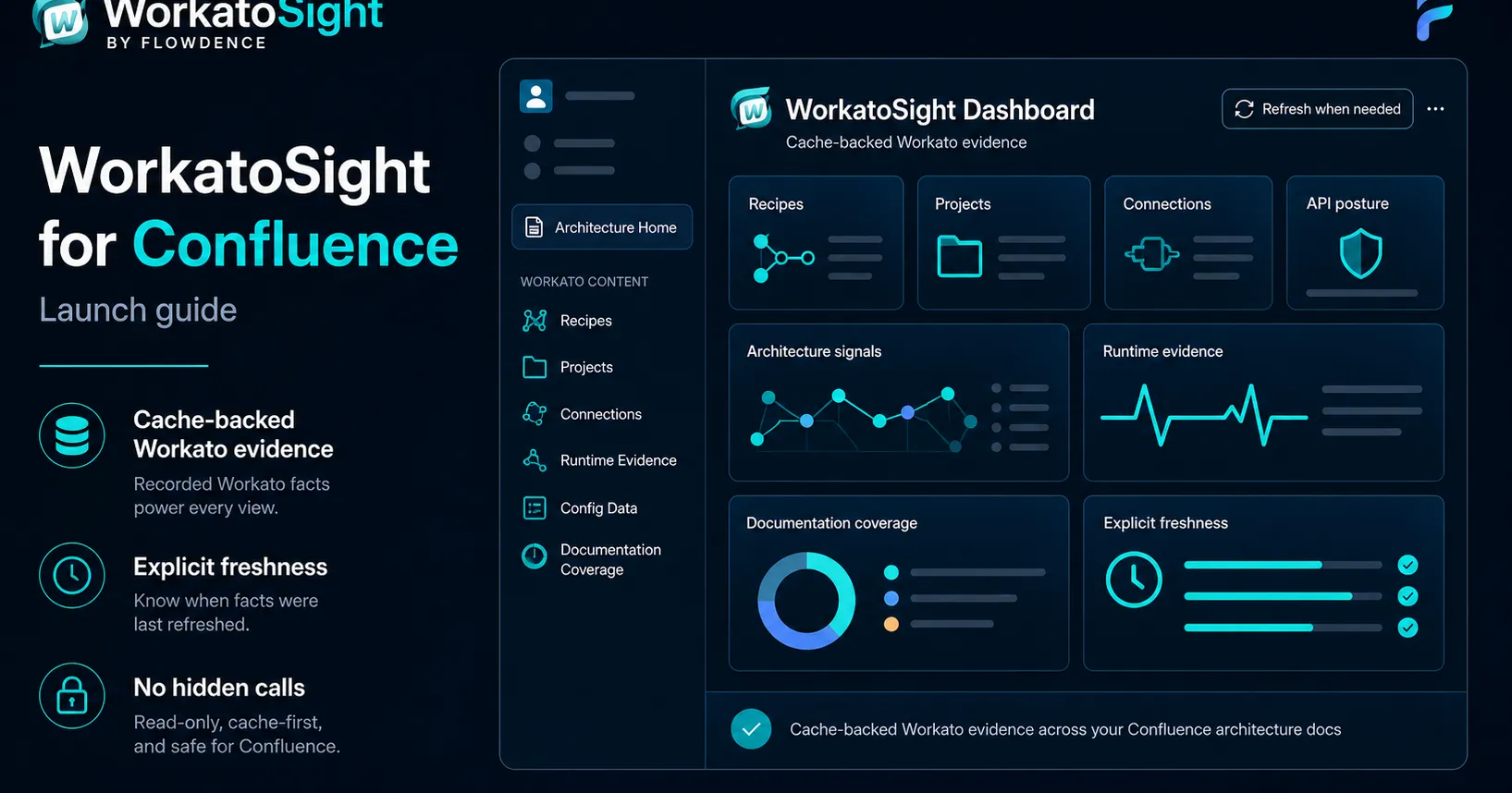
Workato teams often have the integration truth in one place and the operating explanation somewhere else. Workato holds Recipes, Projects, Connections, API endpoints, jobs, lookup tables, and configuration data. Confluence holds architecture pages, runbooks, release notes, incident notes, and governance review pages.
WorkatoSight for Confluence is built for that gap. It gives architects and developers a cache-backed way to bring Workato context into the Confluence pages where teams already explain how integrations work.
WorkatoSight is a Flowdence product and is not affiliated with, endorsed by, or sponsored by Workato.
What WorkatoSight Adds
WorkatoSight gives a Confluence space a Workato-aware documentation layer:
- A space dashboard for cached Workato facts.
- Recipe macros with Detailed, Summary, and Compact display options.
- Project, Connection, API, runtime, and configuration evidence macros.
- Page bylines for Workato Architecture and Workato APIs.
- API Governance views for endpoints, clients, keys, controls, and backing Recipe evidence.
- Documentation Coverage scans for unconverted Workato links, stale macro facts, and page-local API references.
- Freshness views that show when cached facts were refreshed and whether cached data is fresh or stale.
The important design choice is cache-first rendering. Readers opening Confluence pages should not silently trigger live Workato calls. Live Workato access belongs behind explicit diagnostics, refresh, or scan actions that can be authorized, bounded, and recorded.
First Setup Path
Start small. Pick one Confluence space that already contains integration architecture or runbook content.
- Install WorkatoSight for the target Confluence site.
- Open the Confluence space and configure WorkatoSight.
- Enter the Workato API origin and browser host patterns.
- Store the Workato credential reference.
- Set refresh and display preferences, including the display timezone.
- Run diagnostics and confirm the configuration is saved with redacted details.
- Refresh the Workato cache explicitly.
- Open the WorkatoSight dashboard and confirm Browse, API Governance, Documentation Coverage, and Freshness show expected states.
The first-time setup tutorial walks through the setup flow with a recorded walkthrough.
What To Put On The First Page
The best first page is not a blank demo page. Use a page that already has operational gravity:
- An integration architecture hub.
- A customer operations runbook.
- An API architecture page.
- A runtime support page.
- A configuration reference page.
- A release or incident evidence page.
Add one or two macros that answer a real question. A Recipe Summary macro might show what a workflow does. An API Endpoint macro might show method, path, controls, and backing Recipe evidence. A Runtime Evidence macro might show recent job status from cached Workato Jobs.
Why Documentation Coverage Matters
Architecture pages tend to drift slowly. A page might have an old Workato link, a macro that has not been refreshed, or a local API reference that is not yet tied to a cached endpoint. WorkatoSight’s Documentation Coverage scanner records those findings without silently editing Confluence pages.
That distinction matters. A documentation scanner should tell authors what needs attention. It should not mutate pages in the background and make the audit trail hard to explain.
Suggested Rollout Sequence
Use this sequence for a low-risk first rollout:
- Configure one space.
- Refresh the Workato cache.
- Review Browse and Freshness.
- Add Recipe macros to one page.
- Add API macros only where the page is about API exposure.
- Add runtime or configuration evidence where those facts help the page.
- Run Documentation Coverage on the visible page set.
- Fix unconverted links and stale macro records deliberately.
- Repeat for the next Confluence space only after the first space is understandable.
This keeps rollout pressure low while still proving that Confluence pages can carry current Workato architecture context.
Where To Go Next
- Read the WorkatoSight documentation.
- Follow the first-time setup tutorial.
- Build a Workato integration architecture hub.
- Review the WorkatoSight macro reference.
FAQ
What is WorkatoSight for Confluence?
WorkatoSight is a Flowdence Confluence Cloud app that brings customer-configured Workato architecture context into Confluence dashboards, macros, bylines, API posture views, runtime evidence, and documentation coverage.
Does WorkatoSight call Workato every time a page loads?
No. WorkatoSight is designed around cache-backed reads. Normal dashboards, macros, and bylines read cached Workato facts. Live Workato access happens through explicit refresh and diagnostics actions.
Where should teams start with WorkatoSight?
Start with one Confluence space, configure the Workato origin and credential, run diagnostics, refresh the cache, and build one architecture page that uses Recipe, API, runtime, or configuration evidence.