
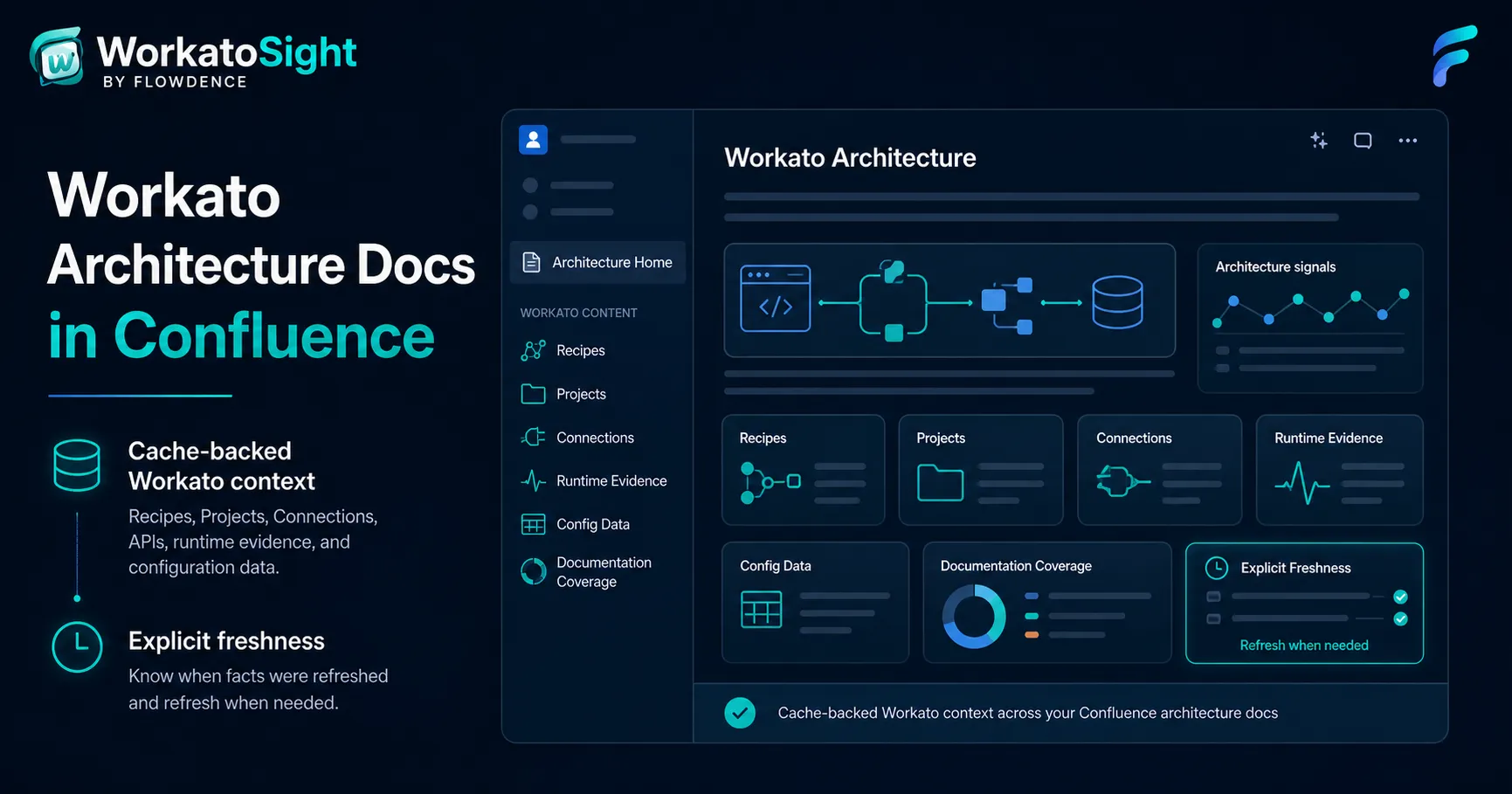
Workato architecture documentation often starts with a good Confluence page and then slowly drifts away from the source system. A Recipe changes. A Connection is rotated. An API endpoint is added. A lookup table becomes part of the routing logic. The page still reads well, but it no longer proves what is true.
WorkatoSight for Confluence helps teams keep architecture pages closer to Workato without turning every Confluence page view into a live integration query.
WorkatoSight is a Flowdence product and is not affiliated with, endorsed by, or sponsored by Workato.
The Architecture Evidence Problem
Architects and developers usually need more than a Workato link. They need page context:
- What Recipe does this page describe?
- Which Project or folder owns it?
- Which Connections or dependencies matter?
- Which API endpoints expose this integration?
- What runtime evidence supports the current status?
- Which lookup tables or project properties explain routing or configuration?
- How fresh is the cached evidence on the page?
Manual Confluence documentation can answer those questions, but the maintenance burden is high. Screenshots age quickly. Tables copy data once and then become abandoned. Raw links help readers navigate, but they do not summarize state.
A Cache-Backed Architecture Layer
WorkatoSight uses explicit refresh actions to record Workato facts into a Confluence-space cache. After that, dashboards, macros, and bylines render from cache.
That gives authors a practical contract:
- Readers get fast Confluence pages.
- Workato is not called silently during normal page reads.
- Freshness is visible.
- Stale cached facts remain explainable.
- Live refreshes are deliberate actions.
This pattern is useful for architecture documentation because it separates page reading from evidence collection.
What To Put In An Architecture Hub
A useful Workato architecture hub usually has a small page tree:
| Page | WorkatoSight evidence |
|---|---|
| Integration home | Dashboard links, page-local byline context, and high-level Recipe macros |
| Recipe page | Recipe Detailed, Summary, or Compact macro |
| API page | API Endpoint and API Security macros |
| Runtime page | Runtime Evidence macro from cached Workato Jobs |
| Configuration page | Config Data macro for lookup tables or redacted project properties |
| Review page | Documentation Coverage and Freshness status |
The goal is not to fill every page with every available macro. The goal is to place Workato facts where they answer the page’s actual question.
Page-Local Bylines Matter
WorkatoSight includes bylines that summarize Workato context for the current Confluence page. That page-local behavior matters. A page about one API endpoint should not show whole-estate API posture. A page with Recipe macros should not report unrelated cached facts from another page.
Use the bylines as lightweight page health signals:
- Workato Architecture should reflect raw Workato Recipe links and WorkatoSight macros on the page.
- Workato APIs should reflect API macros and Workato API references on the page.
- Review warnings should appear only when the page has relevant Workato context that needs attention.
Documentation Coverage Closes The Loop
Once the page tree exists, use Documentation Coverage to scan visible pages. The scanner records page-context and coverage-finding records for issues such as unconverted Workato links, stale macro references, unknown Workato links, and page-local API references.
The scanner does not silently mutate pages. Authors decide what to fix and when.
Start With One Real Use Case
The strongest first Workato architecture page is tied to a real workflow:
- Customer onboarding.
- Order routing.
- Support escalation.
- Health-check API.
- Billing or entitlement sync.
- Notification orchestration.
Build the page around the use case, then add WorkatoSight evidence where it helps a reader understand ownership, exposure, runtime behavior, and freshness.
For a guided example, follow Build a Workato Integration Architecture Hub.
FAQ
How can Workato architecture docs stay current in Confluence?
Use WorkatoSight to render cached Workato facts through macros, dashboards, and bylines, then refresh those facts explicitly when the architecture page needs current evidence.
What Workato context belongs on an architecture page?
Common page context includes Recipes, Projects, folders, Connections, API endpoints, runtime evidence from jobs, lookup tables, redacted project properties, and freshness state.
Does WorkatoSight replace Workato?
No. WorkatoSight does not replace Workato. It brings selected customer-configured Workato context into Confluence so architecture and runbook pages can stay closer to the source system.