
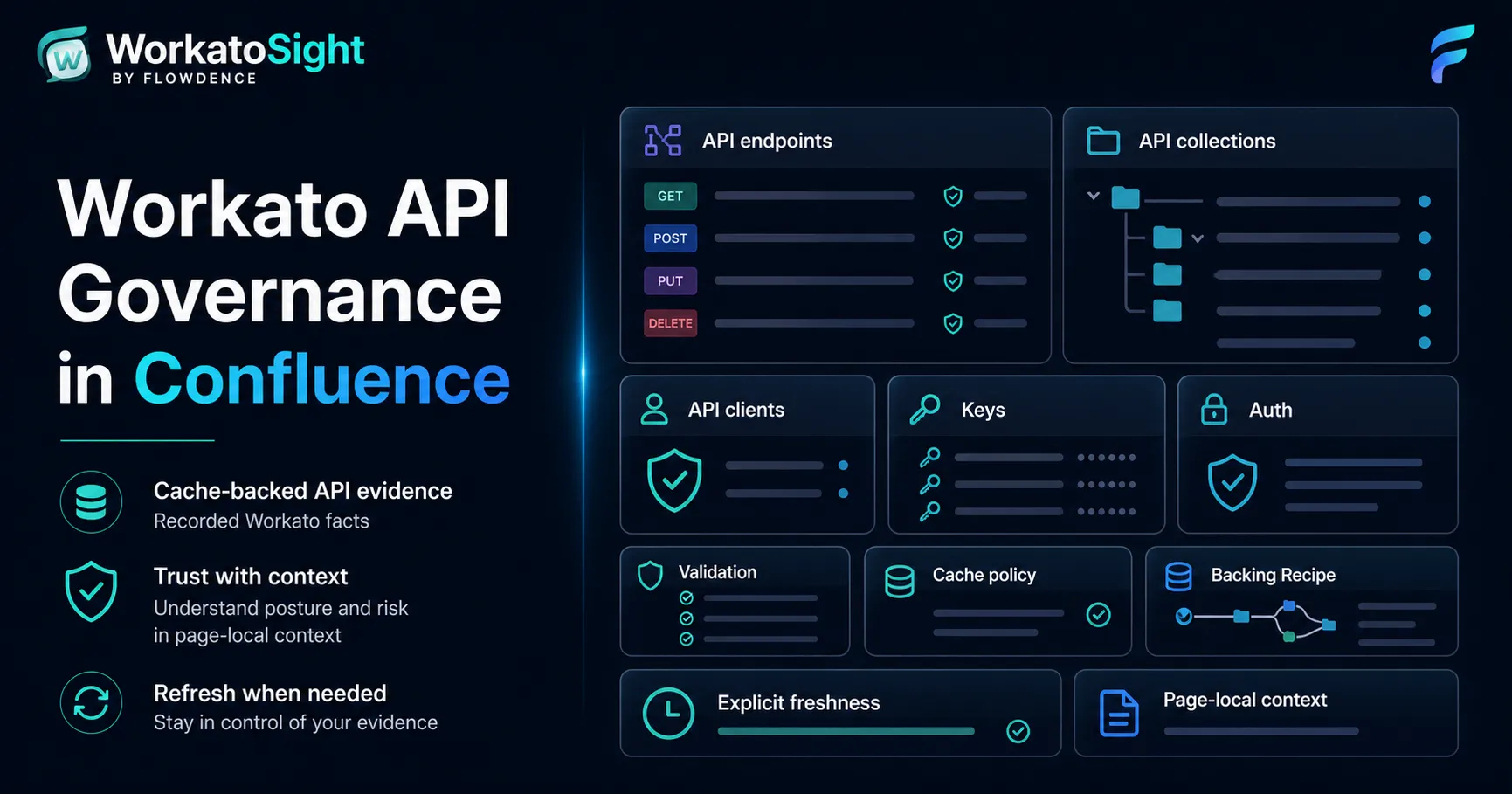
Workato API governance is easiest to discuss when the API evidence sits beside the architecture explanation. A Confluence page that describes an endpoint should not require readers to jump between tabs just to answer basic questions about method, path, controls, backing Recipe, or freshness.
WorkatoSight for Confluence brings cached Workato API evidence into Confluence so API review pages can carry more than prose and screenshots.
WorkatoSight is a Flowdence product and is not affiliated with, endorsed by, or sponsored by Workato.
What API Governance Means Here
For a Confluence architecture or review page, API governance is the visible evidence around an exposed API asset:
- Endpoint method and path.
- API collection context.
- Backing Recipe relationship.
- Client and key posture when available to the configured credential.
- Authentication, validation, cache, and policy signals.
- Freshness of the cached API facts.
- Page-local byline status for API context on the current page.
This is not a replacement for Workato’s own API Platform. It is an evidence layer for Confluence pages where teams explain, review, and operate APIs.
Why Page-Local Counts Matter
A common dashboard mistake is showing whole-estate risk on every page. That makes the signal noisy. A page about one endpoint should not report all active endpoints in the Workato account unless the page is explicitly an estate-level review.
WorkatoSight’s API byline is intended to be page-local. It should summarize API macros, API asset macros, and raw Workato API references found on the current Confluence page. That makes the byline a useful context signal rather than a generic dashboard badge.
What A Positive API Page Looks Like
A healthy API page can show:
- One API Endpoint macro for the endpoint under discussion.
- A backing Recipe link when cached evidence proves the relationship.
- Control language such as authentication, validation, cache, and policy signals.
- A Workato API URL when a durable browser URL is available.
- Freshness text that tells readers when the cached API fact was last refreshed.
- A Workato APIs byline that reports page-local active endpoints without review items.
That positive case matters. Governance should not only be a warning system. It should also show when the evidence is present and readable.
What Triggers Review
Review items should be specific. Examples include:
- A referenced endpoint is active but missing backing Recipe evidence.
- A cached endpoint lacks visible validation or policy signals.
- Client or key posture cannot be shown from the configured credential.
- A page-local API reference cannot be resolved to cached facts.
- The cached API evidence is stale.
The wording should stay honest. If Workato does not expose a field to the configured credential, the page should not pretend certainty. But it should also avoid vague labels when a clearer state is available.
API Evidence In A Runbook
For a production runbook, API evidence can help responders answer:
- Which endpoint is this page about?
- Which Recipe processes requests?
- Is the endpoint active?
- Are request validation or response cache controls visible?
- Which client or key posture is visible to this credential?
- When was the evidence refreshed?
Those answers are easier to trust when they are rendered from cached facts and the freshness timestamp is explicit.
How To Start
- Configure WorkatoSight for the Confluence space.
- Refresh API Governance facts explicitly.
- Open the API Governance dashboard tab and review the endpoint and client posture.
- Add API Endpoint or API Security macros to a page that describes a real API.
- Open the Workato APIs byline and confirm it reflects only that page’s API context.
- Refresh the page-local macro if the endpoint evidence needs to be updated.
For implementation details, see the WorkatoSight API Governance docs.
FAQ
Can Confluence show Workato API governance evidence?
Yes. WorkatoSight can render cached Workato API endpoint, client, key, policy, validation, cache, and backing Recipe signals in Confluence dashboards, macros, and bylines.
Does the Workato APIs byline show the whole estate?
No. The Workato APIs byline should summarize API context for the current Confluence page, such as API macros or Workato API references on that page.
What should teams review on a Workato API page?
Teams should review method, path, collection, backing Recipe, authentication and key posture, validation, cache behavior, policy signals, freshness, and any review items.