
MuleSoft architects and developers do not usually struggle to draw the first integration diagram. The harder problem is keeping the Confluence page true after APIs move, deployments change, versions drift, or a runbook keeps pointing at last quarter’s screenshots.
That is where a do-it-yourself MuleSoft architecture page starts to fray. Teams paste Anypoint links, add screenshots from Runtime Manager, copy API Manager details, and maintain environment tables by hand. The page looks useful on publish day, then quietly becomes a stale interpretation of the platform.
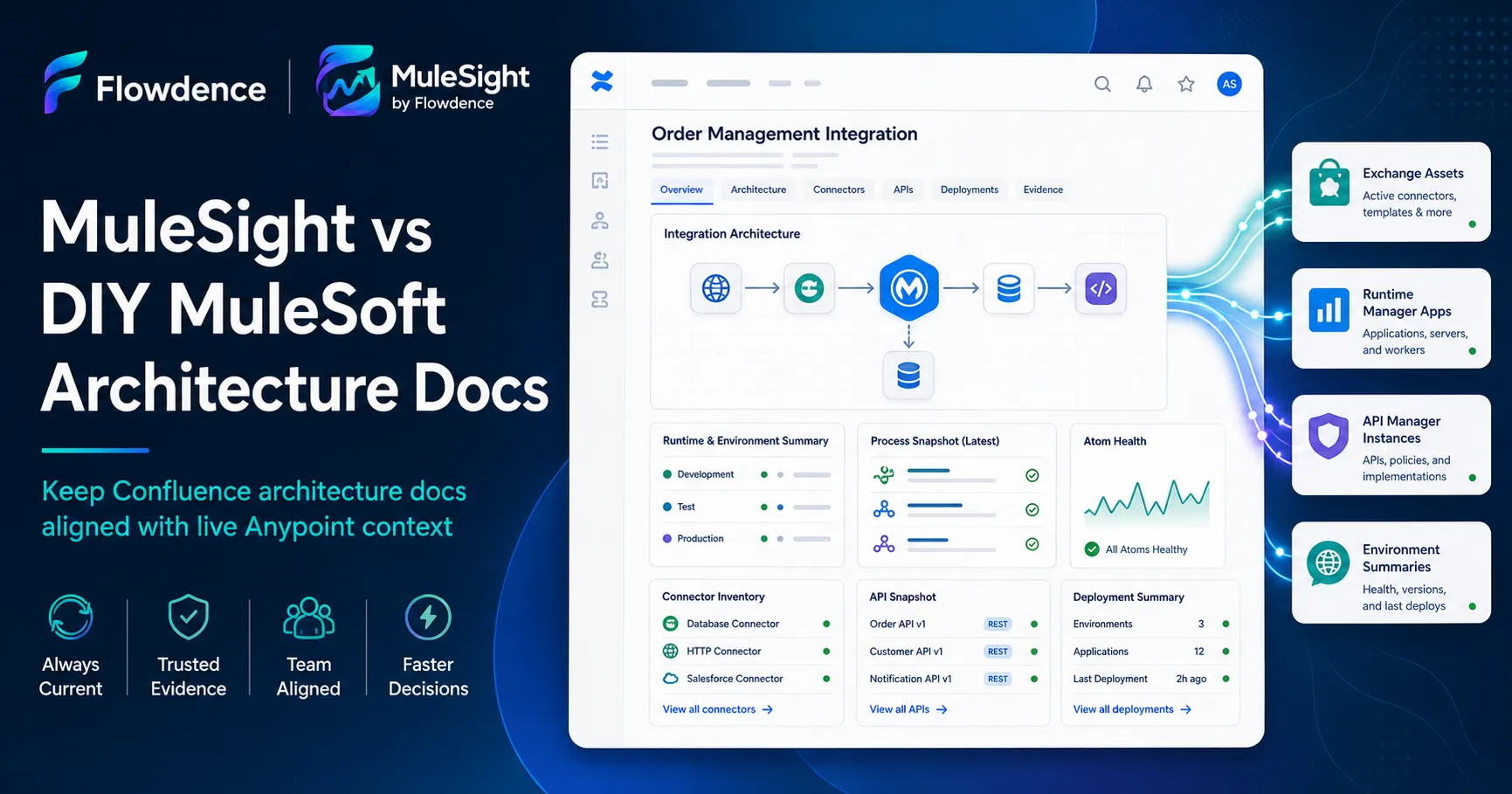
MuleSight is built for that documentation layer. It brings selected MuleSoft Anypoint context into Confluence so architecture pages, design docs, and runbooks can explain the system and show current evidence in the same place.
The DIY Architecture Docs Pattern
A manual MuleSoft architecture page usually includes:
- An integration diagram and ownership notes.
- Links to Exchange assets, Runtime Manager apps, and API Manager instances.
- Screenshots of key applications or API policies.
- A table of environments, versions, and release expectations.
- Notes about expected drift or rollout status.
- A support section that points readers back into Anypoint.
That works while the estate is small and stable. It becomes expensive when the same information must stay accurate across multiple services, environments, and stakeholders who may not have Anypoint access.
The hidden cost is not authoring. It is verification. Someone has to check whether the diagram still matches the deployed applications, whether API Manager still matches the written policy summary, and whether the environment table still describes reality.
What MuleSight Adds
MuleSight turns MuleSoft resources into Confluence-native documentation surfaces:
- Exchange asset, Runtime Manager application, API Manager instance, and Environment Summary snapshots.
- Detailed display modes for design docs and runbooks.
- Compact display modes for dense architecture overviews.
- Environment comparison for resource presence, version, and status drift.
- API security posture views for policies, SLA tiers, contracts, and protection gaps.
- Diagnostics for scope, refresh, timeout, and dataset issues.
- Rovo answers grounded in the MuleSight cache for space-aware architecture questions.
The page stops being a static copy of a platform screen. It becomes a maintained architecture record with current platform context embedded where readers already work.
Side-by-Side Comparison
| Concern | DIY Confluence architecture docs | MuleSight |
|---|---|---|
| Initial setup | Fast for one page | Requires app install and space configuration |
| Resource references | Links and screenshots | Refreshable Anypoint snapshot macros |
| Environment state | Manual tables | Environment Summary and comparison |
| Drift review | Human comparison | Drift-focused resource comparison |
| API governance | Manual policy notes | API security posture views |
| Reader access | Readers chase Anypoint links | Readers see cached context in Confluence |
| Maintenance | Depends on page discipline | Repeatable macro, cache, and export model |
DIY is simplest on day one. MuleSight becomes valuable when the architecture page is part of the delivery workflow, not a one-time artifact.
When DIY Is Enough
Stay manual when the page is temporary, the integration estate is small, and every reader already has Anypoint access. A short release note or one-off design spike may not need a connected app.
Also stay manual if your team is not ready to own connected app credentials, refresh behavior, and space-level configuration. Live documentation should have an accountable owner.
When MuleSight Wins
Use MuleSight when Confluence is where architecture decisions and support handoffs happen:
- Architects need design pages that still reflect deployed MuleSoft resources.
- Developers need runbooks that show the current application and API context.
- Platform teams need environment drift visible before release review.
- Security reviewers need API policy posture without reconstructing it by hand.
- Support readers need useful context without platform-console access.
The more often your team asks “does this page still match Anypoint?”, the stronger the case for MuleSight.
Migration Path
Start with one macro coverage page:
- Pick the integration page readers already trust.
- Configure MuleSight for the Confluence space.
- Add snapshot macros for the Exchange, Runtime Manager, and API Manager resources the page references.
- Add an Environment Summary or environment comparison section where release state matters.
- Replace screenshots only after the live macro proves useful.
This gives architects and developers a concrete before-and-after view without forcing a full documentation rewrite.
Next Steps
- Embed live Anypoint context with snapshot macros.
- Compare drift workflows in detecting MuleSoft environment drift using Confluence.
- Review the MuleSight product page and MuleSight docs.