
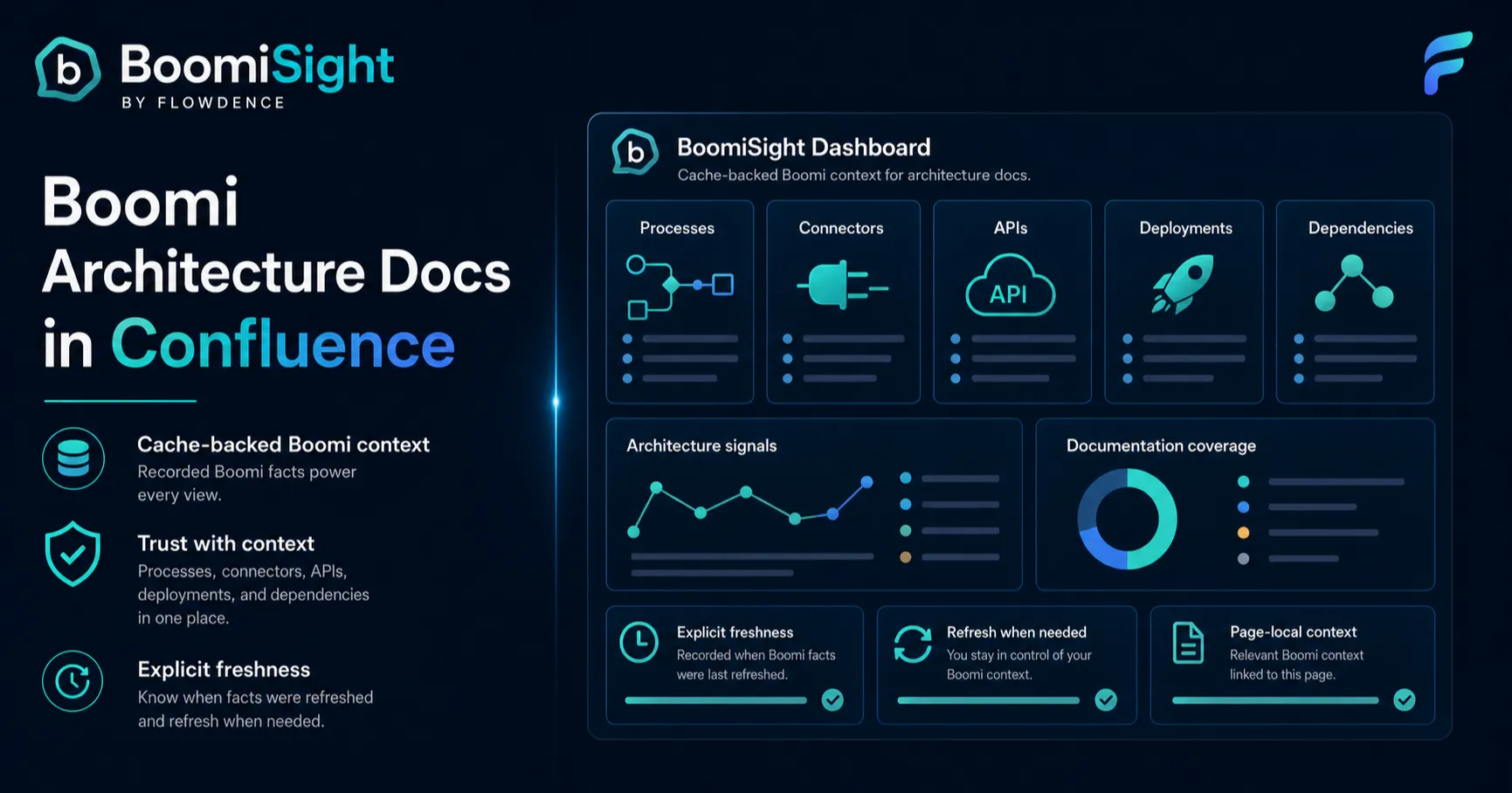
Boomi architecture work usually starts with a diagram, a process description, and a few platform links. The challenge is what happens after the page is published. Processes change, connectors are added, deployments move between environments, and the Confluence page slowly stops matching Boomi.
BoomiSight brings Boomi context into Confluence so architecture documentation can stay useful after the first draft.
It is not a replacement for Boomi’s console. It is a documentation layer for architects and developers who need current platform context beside the explanation, runbook, and decision history.
What Architecture Docs Need To Answer
For most integration teams, a good Confluence page should answer:
- What does this Boomi process or API support?
- Which environments, Atoms, and deployments matter?
- Which connectors and dependencies are in the blast radius?
- What changed since the last release review?
- Which evidence should go into the runbook, audit packet, or support handoff?
Screenshots and exports can answer those questions once. BoomiSight helps the page keep answering them.
Core BoomiSight Surfaces
Process Snapshot
Process Snapshot macros help authors embed process identity, folder path, component type, revision context, and connector signals directly inside the Confluence page.
Use this on pages where a diagram needs a current anchor to the Boomi process it describes.
Atom Health And Environment Summary
Atom Health and Environment Summary macros help readers understand runtime and environment context without leaving the page. They are useful in architecture overviews, support runbooks, and release pages where environment scope matters.
API Snapshot
API Snapshot macros help architecture docs show published API shape, gateway context, base path, version, endpoint, and authentication signals where available.
That gives reviewers a page-level view of the API surface instead of a stale note copied from a platform screen.
Connector Inventory
Connector Inventory is the architecture-friendly surface. It helps teams reason about dependencies, credential rotation, endpoint changes, and blast radius across integrations.
If a connector changes, the page can show which processes may be touched.
Deployment And Execution Context
Deployment Tracker and Execution Monitor macros add release and support evidence. They are useful when a design page also doubles as a runbook or support handoff page.
A Practical Architecture Page Layout
Start with a page that people already use. Then add only the BoomiSight context that answers real questions.
- Summary: what integration or process family the page covers.
- Ownership: who maintains it and where incidents are handled.
- Process Snapshot: the primary Boomi process or family.
- Environment Summary: the environments and runtime scope.
- Connector Inventory: dependencies and blast radius.
- API Snapshot: exposed API surface where relevant.
- Deployment or execution context: current release/support evidence.
This keeps the page readable while making the operational facts easier to verify.
Avoiding False Confidence
BoomiSight pages are only as useful as their configured access. Before relying on a page, run Verify Connection & Access and confirm which feature areas are available.
If a dataset is limited or unsupported in the tenant, document that limitation. A clear architecture page with honest boundaries is more useful than a polished page that quietly hides missing data.
Where This Fits With Monitoring
Real-time incident detection still belongs in Boomi and the alerting systems your team already uses.
BoomiSight is strongest for shared architecture context: design review, onboarding, release readiness, support handoff, audit evidence, and post-incident explanation.
Next Steps
- Follow the BoomiSight first-time setup guide.
- Build a page with BoomiSight macros.
- Compare static and live approaches in BoomiSight vs DIY Boomi architecture docs.